No vCenter servers were found in Nutanix cluster
What to do when you see No vCenter servers were found message in Nutanix Prism Element. Deploying the Nutanix Cluster using the Nutanix Foundation automation deployment...

VMware ESXi
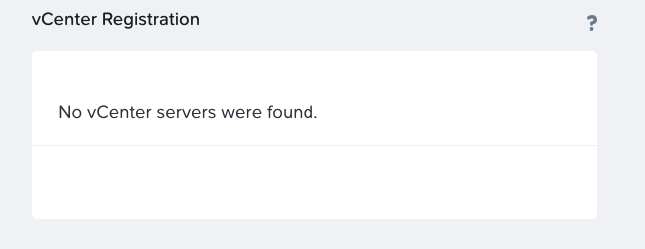
What to do when you see No vCenter servers were found message in Nutanix Prism Element. Deploying the Nutanix Cluster using the Nutanix Foundation automation deployment...
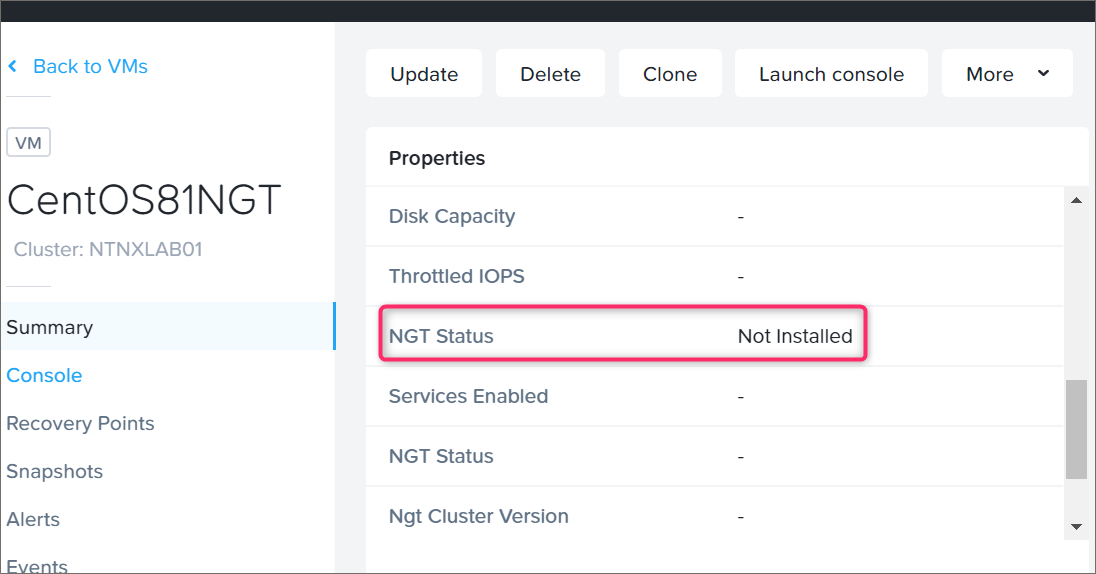
Nutanix Guest Tools (NGT tools) is a package of drivers and services. Drivers for Virtual Machine storage controller and network adapter. Along with drivers, you can...
VMware vSphere 7 support on Nutanix platform Starting with AOS 5.15.2 (LTS) and AOS 5.17.1, Nutanix introduced VMware vSphere 7 support. Now, you can upgrade your...
Thousands of Nutanix customers have clusters deployed with VMware vSphere. VMware vSphere was the first hypervisor supported by Nutanix and has a long and successful history....
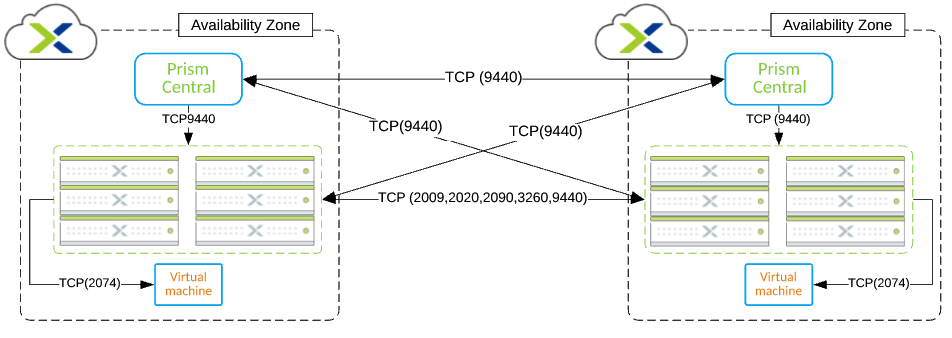
In this blog post, you will find the Nutanix Leap Asynchronous replication port diagram. Support for Asynchronous replication in Nutanix Leap was introduced with Nutanix AOS...

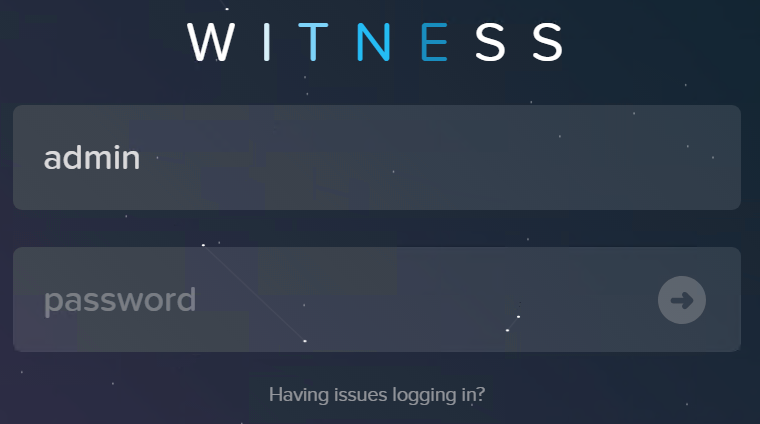
Configure Nutanix Metro Availability Witness. What is Nutanix Metro Availability Witness? Extract from Nutanix official documentation: A “Witness” is a special VM that monitors the...
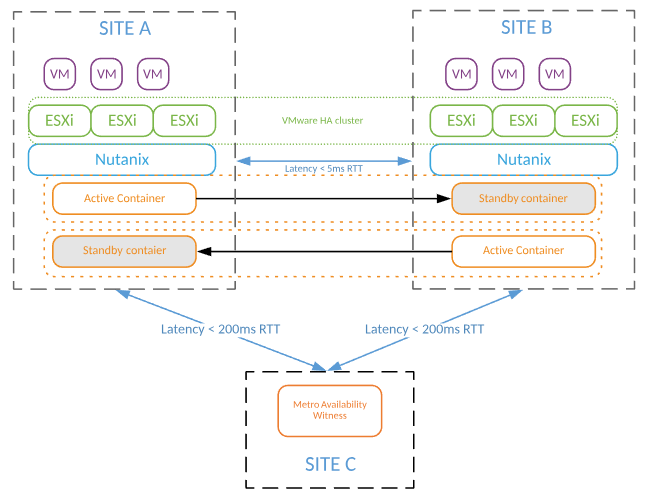
Capacity planning for Nutanix Metro Availability (stretch cluster) is not that difficult as you could think. During capacity planning exercise, you have to consider all capacity...

Nutanix AOS supports data at rest encryption for past several years. On early Nutanix AOS releases, encryption feature was supported only with specialized hardware (SED drives)...
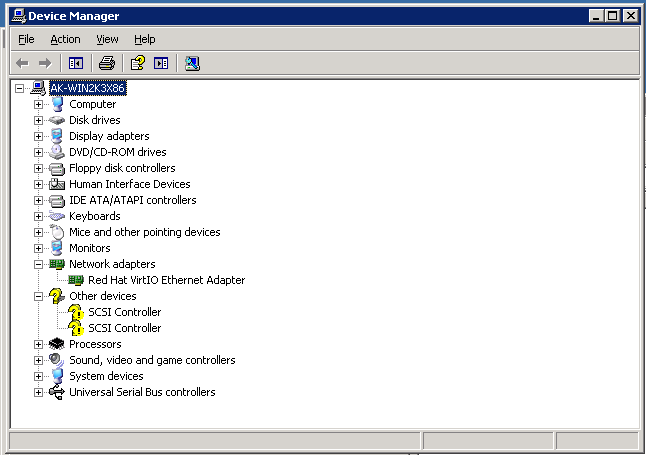
My previous post – dated mid-2016 – about migration of Windows 2003 from VMware ESXi to Nutanix AHV, was mainly focused on manual migration. Back in...
