No vCenter servers were found in Nutanix cluster
What to do when you see No vCenter servers were found message in Nutanix Prism Element. Deploying the Nutanix Cluster using the Nutanix Foundation automation deployment...

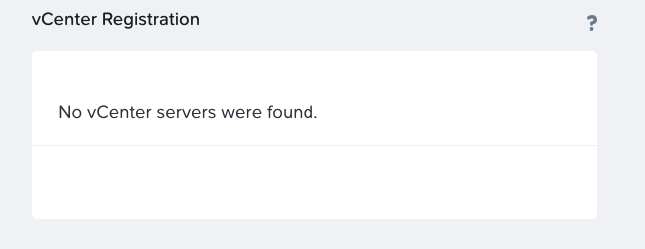
What to do when you see No vCenter servers were found message in Nutanix Prism Element. Deploying the Nutanix Cluster using the Nutanix Foundation automation deployment...
VMware vSphere 7 support on Nutanix platform Starting with AOS 5.15.2 (LTS) and AOS 5.17.1, Nutanix introduced VMware vSphere 7 support. Now, you can upgrade your...
Thousands of Nutanix customers have clusters deployed with VMware vSphere. VMware vSphere was the first hypervisor supported by Nutanix and has a long and successful history....
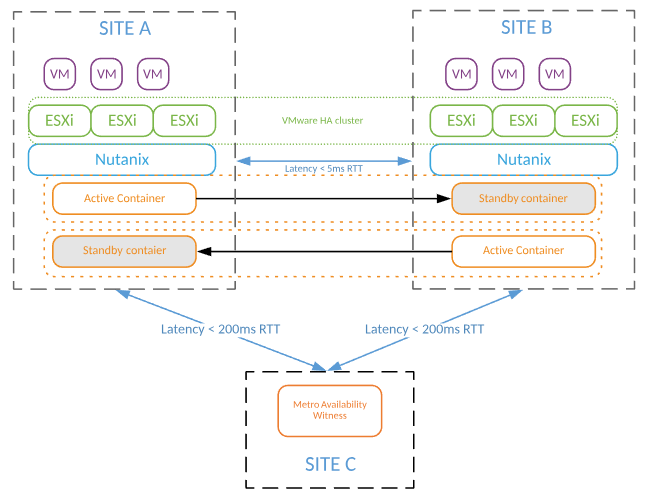
Capacity planning for Nutanix Metro Availability (stretch cluster) is not that difficult as you could think. During capacity planning exercise, you have to consider all capacity...

New vSphere release and new hardware and software requirements. Below you can find requirements for both vCenter server 6.5 appliance and vCenter server 6.5 on Windows....
Few days ago VMware released Update 2 for vSphere 6 including vCenter, ESXi, vRealize Log Insights and vRealize Business for cloud. Most of the fixes are...
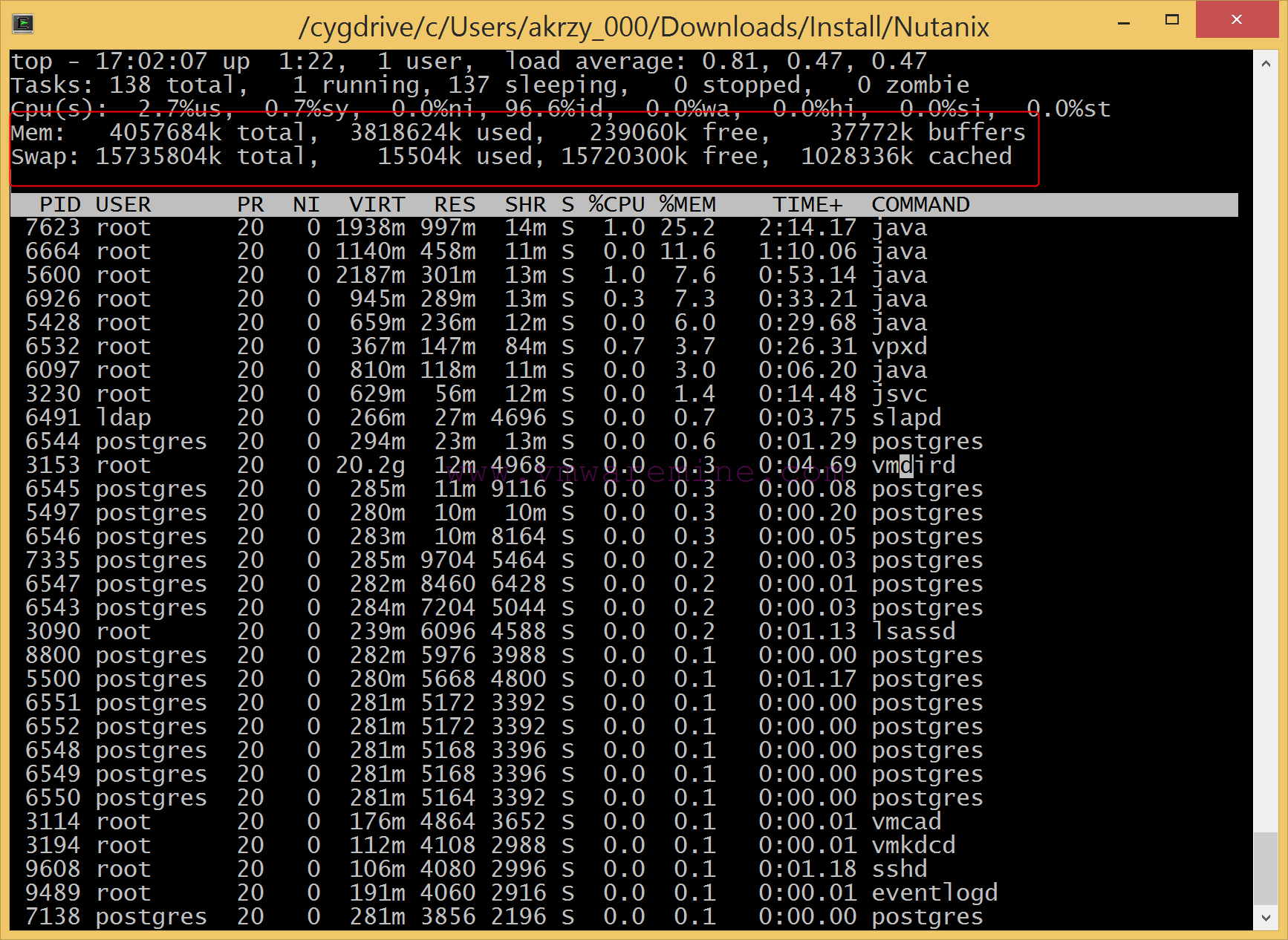
Memory tuning vCenter server appliance After deployment of vCenter server appliance, memory tuning on vCenter server appliance is the first task you should do after deployment and...
vCenter Server Appliance is Linux (SUSE Linux Enterprise Server 11 64 bit) based appliance, which in a near feature should replace or become equivalent to vCenter...
Yesterday VMware released Update 1 for vSphere 5.5, usually it wouldn’t be nothing special but this time along with update VMware released vSAN 1.0. Read more...
From time to time anyone can make stupid mistake, typo or just simply make a wrong assumption. This time it was me . Whenever I tried...
