How to install NGT on Linux
Nutanix Guest Tools (NGT tools) is a package of drivers and services. Drivers for Virtual Machine storage controller and network adapter. Along with drivers, you can...

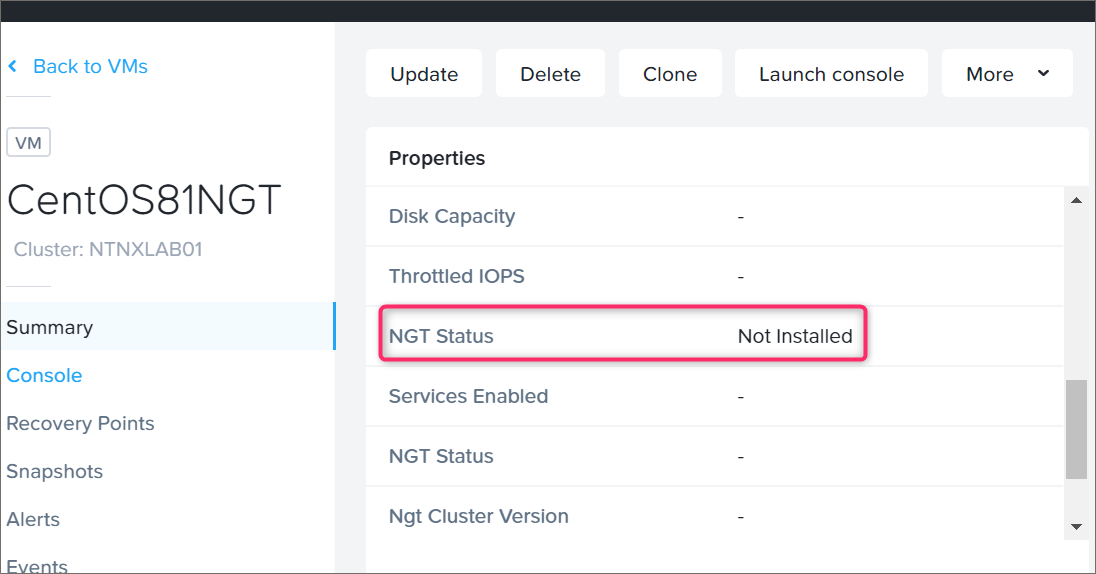
Nutanix Guest Tools (NGT tools) is a package of drivers and services. Drivers for Virtual Machine storage controller and network adapter. Along with drivers, you can...
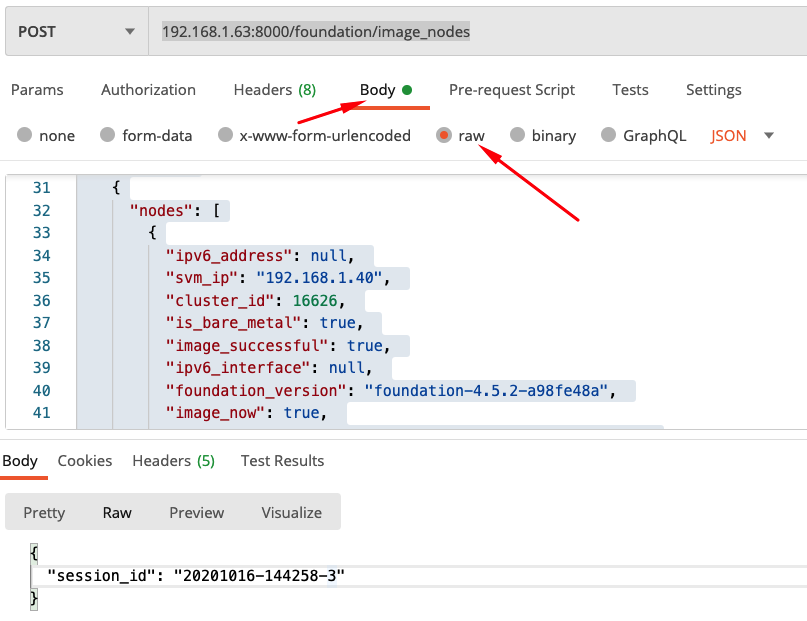
Automation is everywhere, in the public cloud, private cloud, security, software development, sysadmin day to day tasks. Basically, any repeatable task is usually automated one way...
VMware vSphere 7 support on Nutanix platform Starting with AOS 5.15.2 (LTS) and AOS 5.17.1, Nutanix introduced VMware vSphere 7 support. Now, you can upgrade your...
Thousands of Nutanix customers have clusters deployed with VMware vSphere. VMware vSphere was the first hypervisor supported by Nutanix and has a long and successful history....
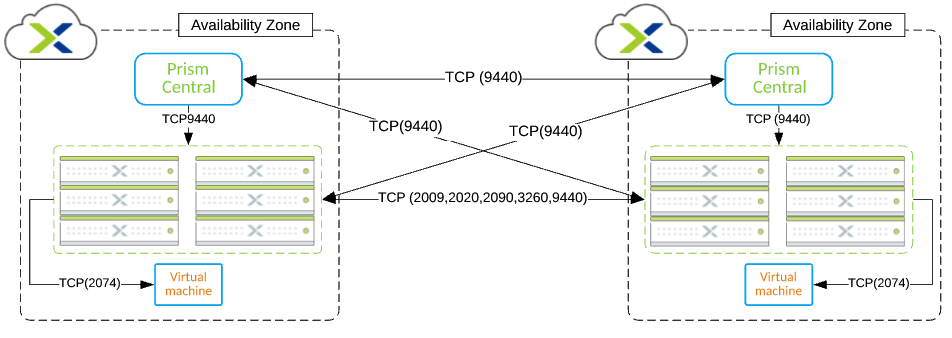
In this blog post, you will find the Nutanix Leap Asynchronous replication port diagram. Support for Asynchronous replication in Nutanix Leap was introduced with Nutanix AOS...

Sending logs to an external syslog server is very common practice across many industries. The main reason to send logs to the external location is security...
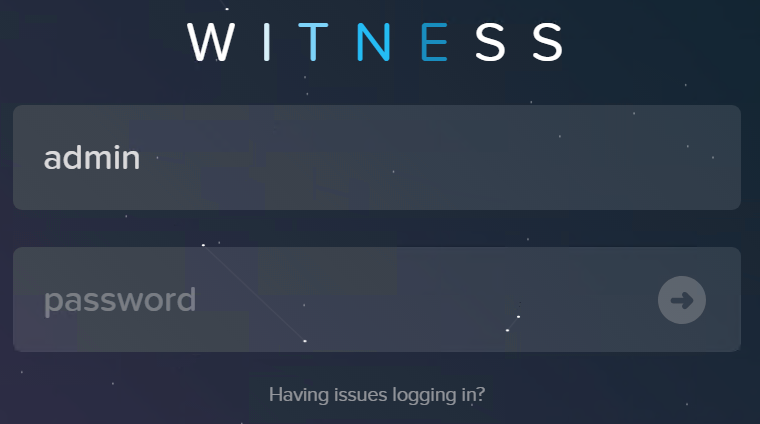
Configure Nutanix Metro Availability Witness. What is Nutanix Metro Availability Witness? Extract from Nutanix official documentation: A “Witness” is a special VM that monitors the...
This post is about one of the most challenging PowerCLI scripts I was asked to write so far. Unfortunately I will not present the script itself,...
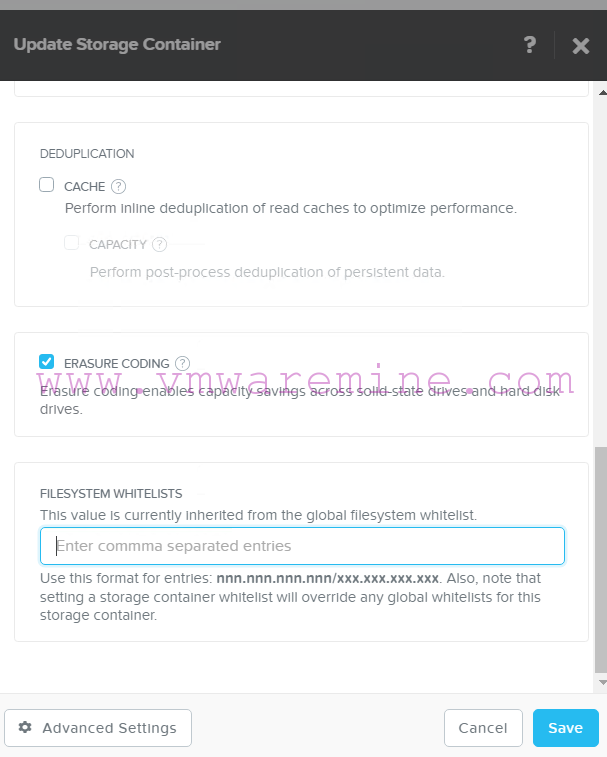
Nutanix Acropolis OS supports several storage protocols like NFS, SMB3, iSCSI due to broad hypervisor support (Nutanix AHV, VMware vSphere, Citrix XenServer, Microsoft Hyper-V 2012R2). For...
From time to time every admin must do BIOS upgrade on the hosts. It may be vendor recommendation, security issue and so on. With Nutanix you...
