Nutanix recycle bin
Nutanix recycle bin NOTE: TO RECOVER VMS OR VOLUME GROUPS FROM NUTANIX RECYCLE BIN YOU HAVE TO CONTACT NUTANIX SUPPORT Did you know you can quickly...

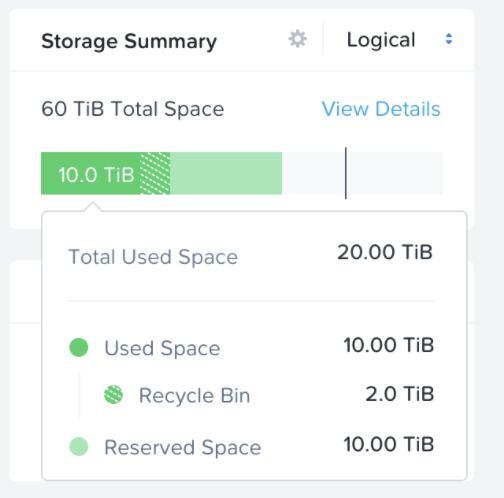
Nutanix recycle bin NOTE: TO RECOVER VMS OR VOLUME GROUPS FROM NUTANIX RECYCLE BIN YOU HAVE TO CONTACT NUTANIX SUPPORT Did you know you can quickly...
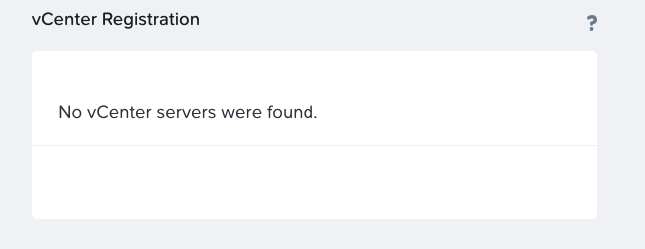
What to do when you see No vCenter servers were found message in Nutanix Prism Element. Deploying the Nutanix Cluster using the Nutanix Foundation automation deployment...
A few days ago I was trying to deploy the latest version of VMware PowerCLi on my workstation. Before you can install it, you have to...
Configure Nutanix Metro Availability Witness. What is Nutanix Metro Availability Witness? Extract from Nutanix official documentation: A “Witness” is a special VM that monitors the...
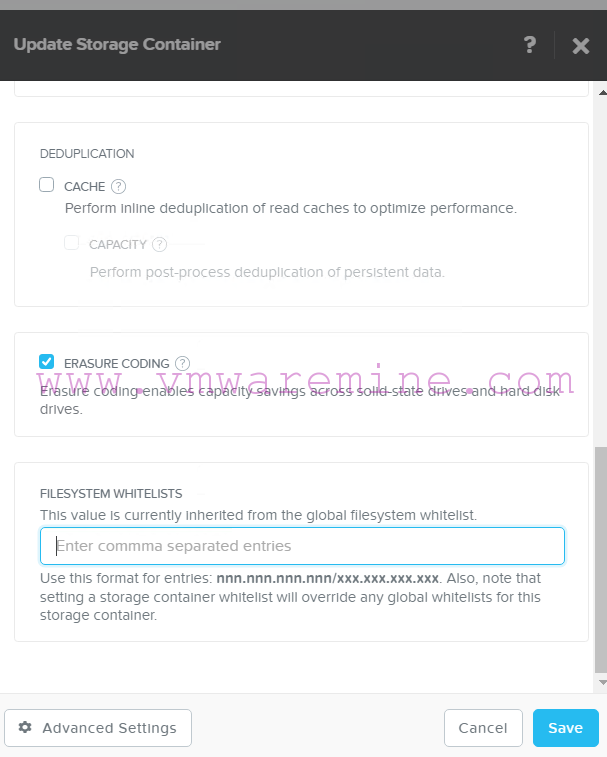
Nutanix Acropolis OS supports several storage protocols like NFS, SMB3, iSCSI due to broad hypervisor support (Nutanix AHV, VMware vSphere, Citrix XenServer, Microsoft Hyper-V 2012R2). For...
Thanks to one of my blog readers, Keino-Paul from NYC, I have an opportunity to share with you tested hardware configuration for VMware vSphere 5.1 build...
One of they ways of upgrading to vSphere 5.1 is a Simple installation. Simple installation does install below services in exact order: vSphere SingleSignOn vCenter inventory...
The third day at VMworld and unfortunately the last one, but for me the most important one. Yesterday at 11.30 I had my presentation at VMworld...
What the VAAI is? vStorage API for Array Integration (VAAI) can offload ESX host for specific storage operations such as: Atomic Test & Set (ATS), which...
In the morning I was trying to remove snapshot from VM using vSphere client, to my surprise, I couldn’t remove it. An error says: Remove snapshot...
